How to Use Your Membership
Booking your sessions is quick and easy. Follow these three simple steps.
Step 1
Step 1: Download the App
Get started by downloading the CricNets app on your phone.
Download AppStep 2
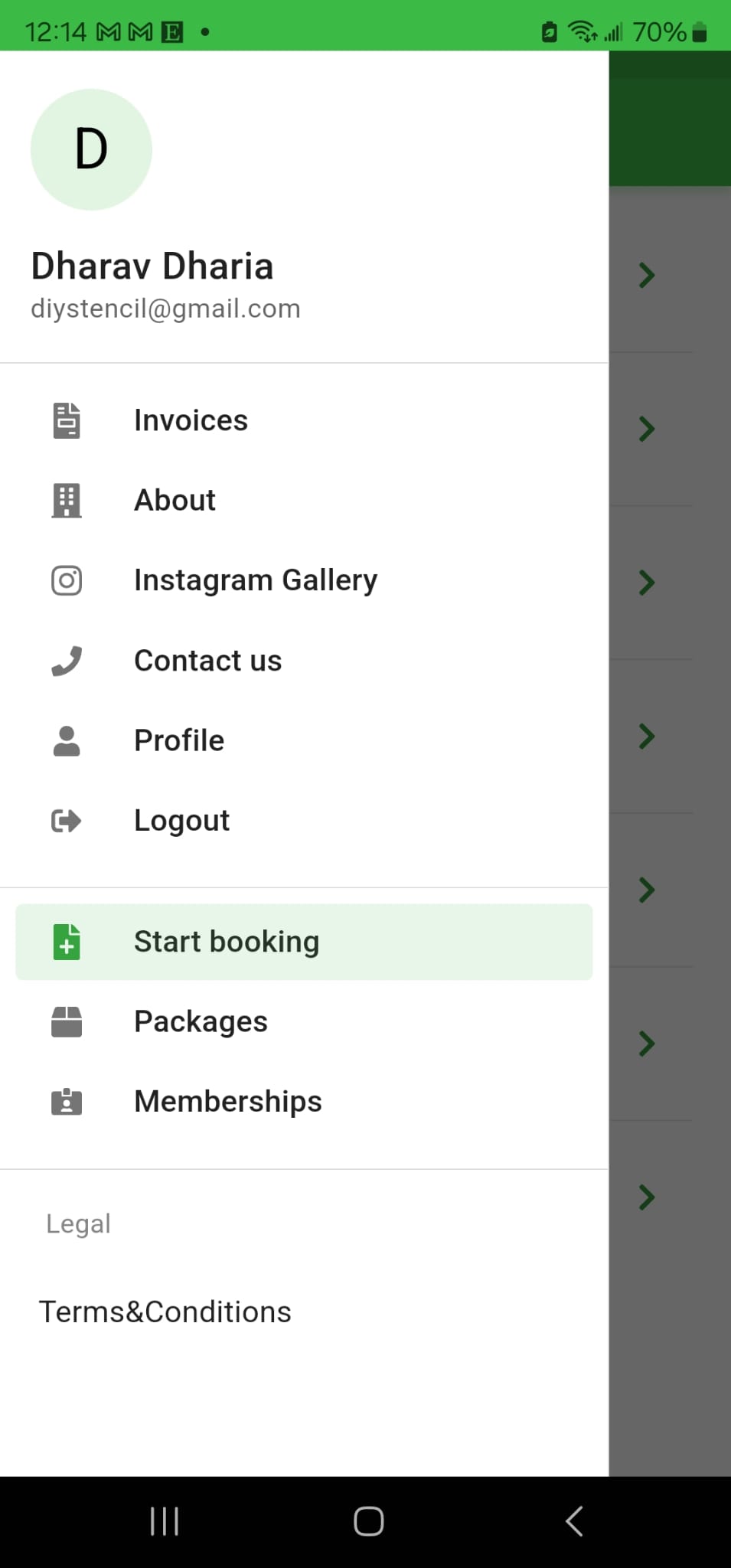
Step 2: Click 'Start Booking'
Once you've installed the app, tap the 'Start Booking' button on the home screen.
Step 3
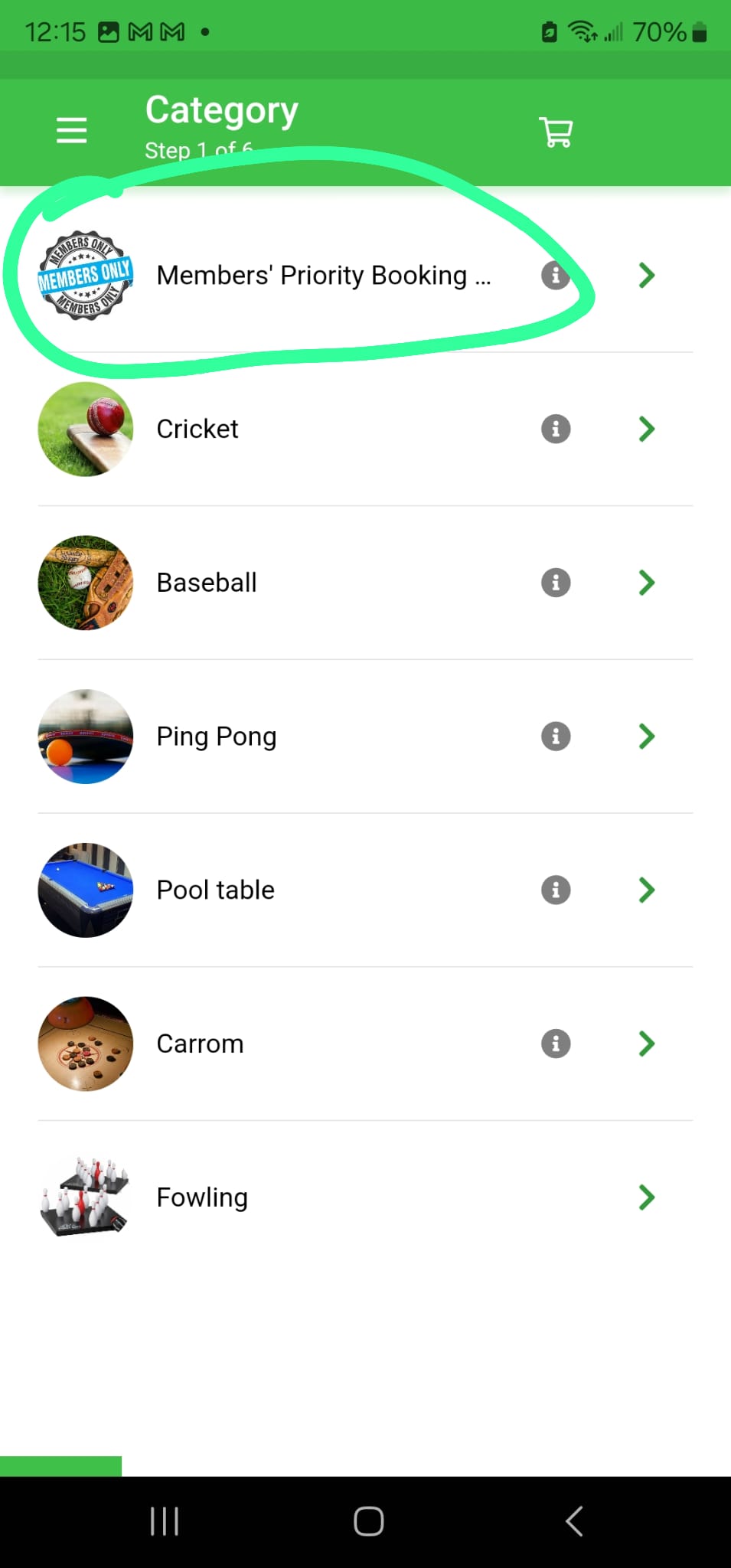
Step 3: Use the Member Area to Book
Log in to the Member Area and book your sessions directly — pick a sport, lane and time slot.
Need help getting started?
Call us at (519) 707-3080 and we'll walk you through it.